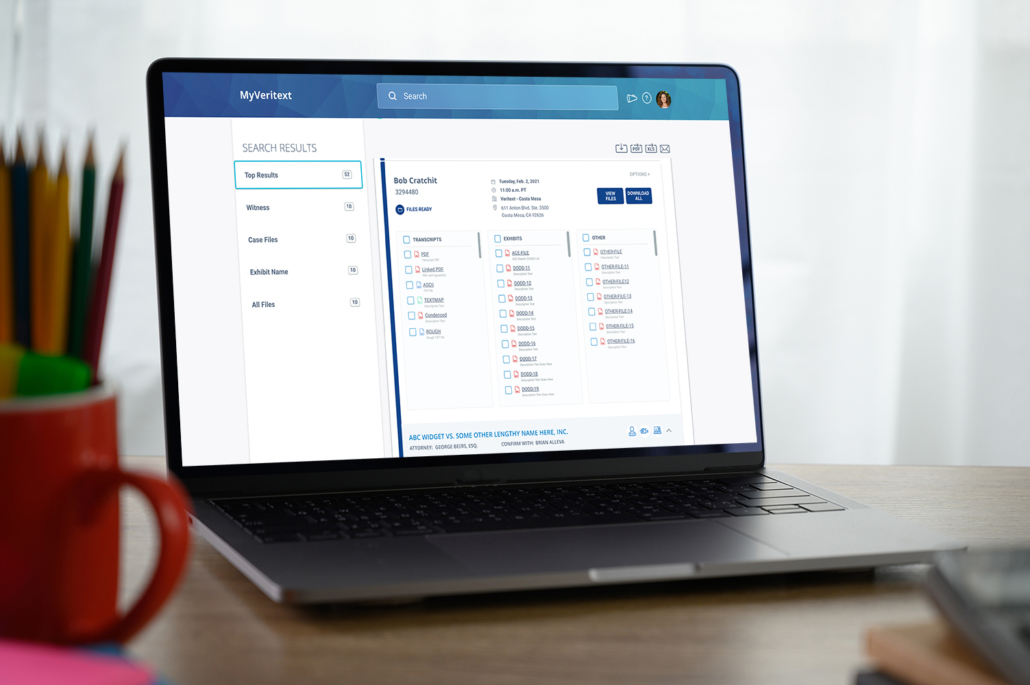
MyVeritext Advanced Access
– Invoices & Statements Feature –

Thank you for your interest in Advanced Access to features in MyVeritext. Your feedback is vital to ensuring that we provide you with the most effective and intuitive legal solutions in the industry. This page will cover the steps to get started.
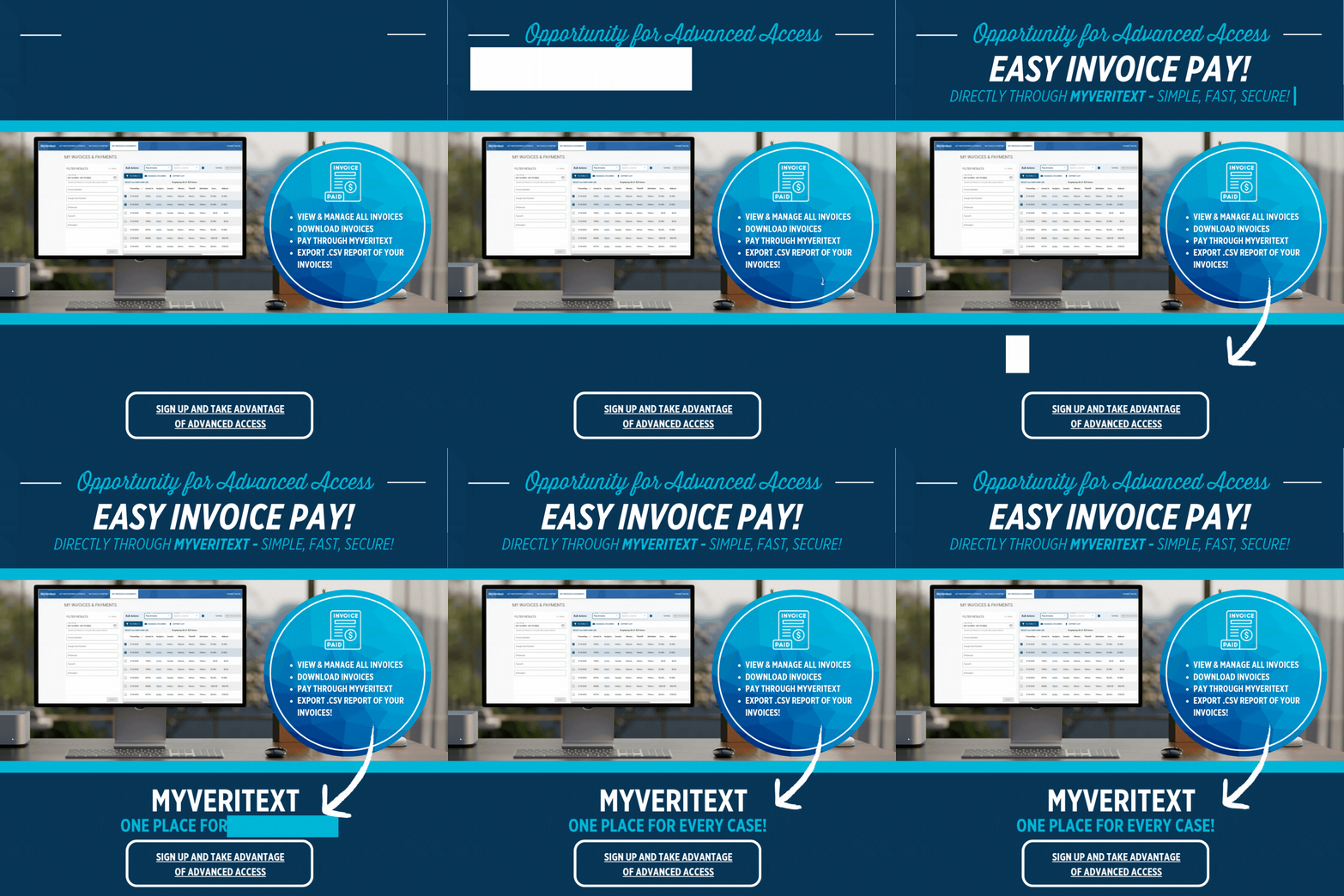
1) Log into MyVeritext and click on My Invoices & Payments on the upper navigation bar of the page.

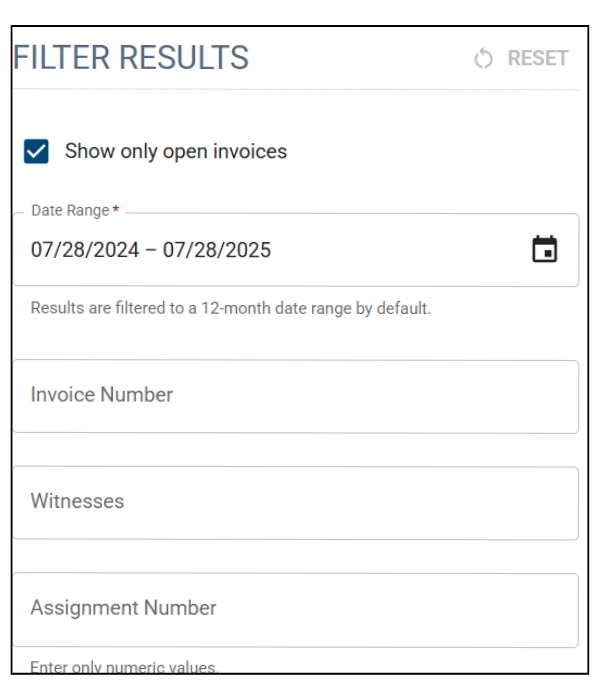
Using the Filter Results panel on the left. You can filter the viewed invoices by date, witness, assignment, and case. Please keep in mind the default search when you access this page only shows open invoices.
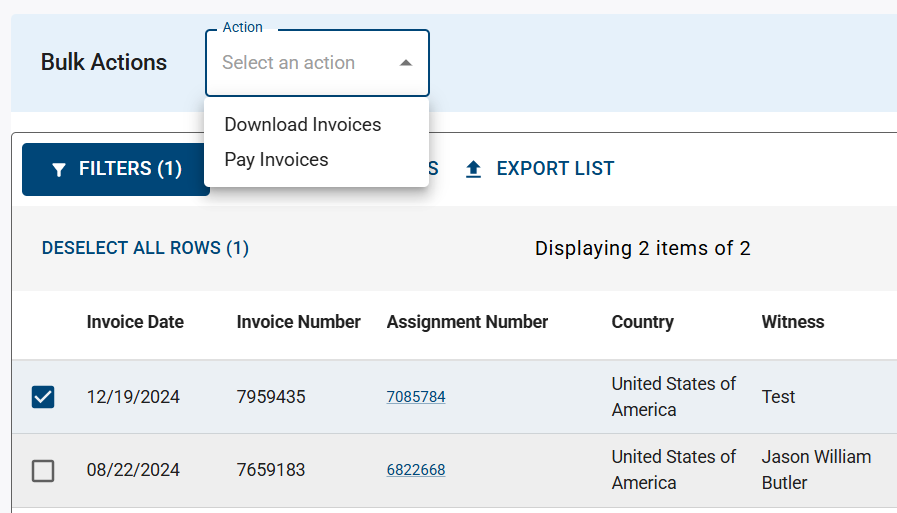
After searching, you may either:
If you have any questions throughout the process, please reach out to our Advanced Access Coordinator with the subject line: MyVeritext – Advanced Access Invoices