IN THIS WEBINAR, WE DISCUSS:
- Zoom Basics
- Audio & Video Settings
- Screen View Options & Pinning
- Managing Exhibits
- Handling Common Issues
CEU credit is not awarded for watching this recording.
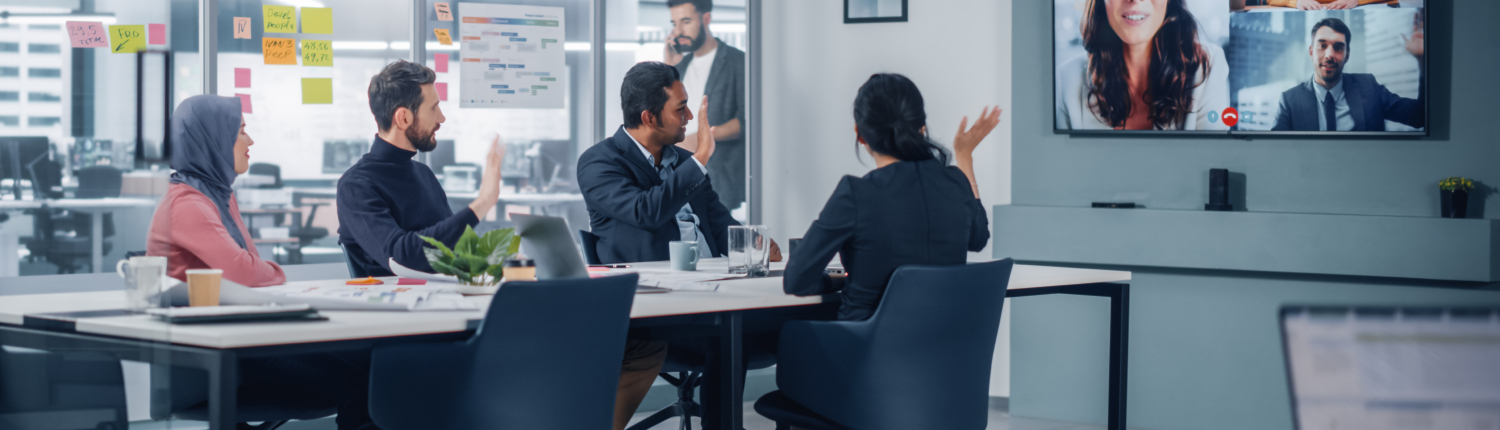
Virtually Unstoppable: A Zoom Masterclass | Session One
Navigating Legal Proceedings Remotely
Listen in as we equip you with the essential Zoom skills necessary for conducting smooth and professional remote depositions. From mastering audio settings to handling exhibits and swearing in witnesses remotely, viewers will walk away from this interactive workshop with confidence and practical know-how.
In this session, we provide essential training on mastering Zoom for legal proceedings. Move beyond the basics and become a Zoom platform pro!
REGISTER TO WATCH A RECORDING OF THIS WEBINAR
This recording was created from a live webinar broadcast hosted on August 26, 2025. Reporters and videographers are NOT eligible for Continuing Education Credits through the NCRA, NVRA, AAERT, or any other association by watching this recorded video. If you have any questions please contact [email protected]. © 2025 This webinar is owned and copyrighted by Veritext. Any recording, transcribing, or distribution of the webinar in whole or in part is prohibited without the express written permission of Veritext.
You and your friend to EACH earn $500 when your friend takes at least 30 jobs within the first 90 days of being eligible to work!
Veritext is proud to offer convenient and complimentary Continuing Educational Webinars for our partners across the country.
Where Court Reporters, Videographers, Interpreters (and more!) come for everything Veritext.
“The Veritext Voice” is a newsletter for our independent contractor partners!

